
1. Drop a photo
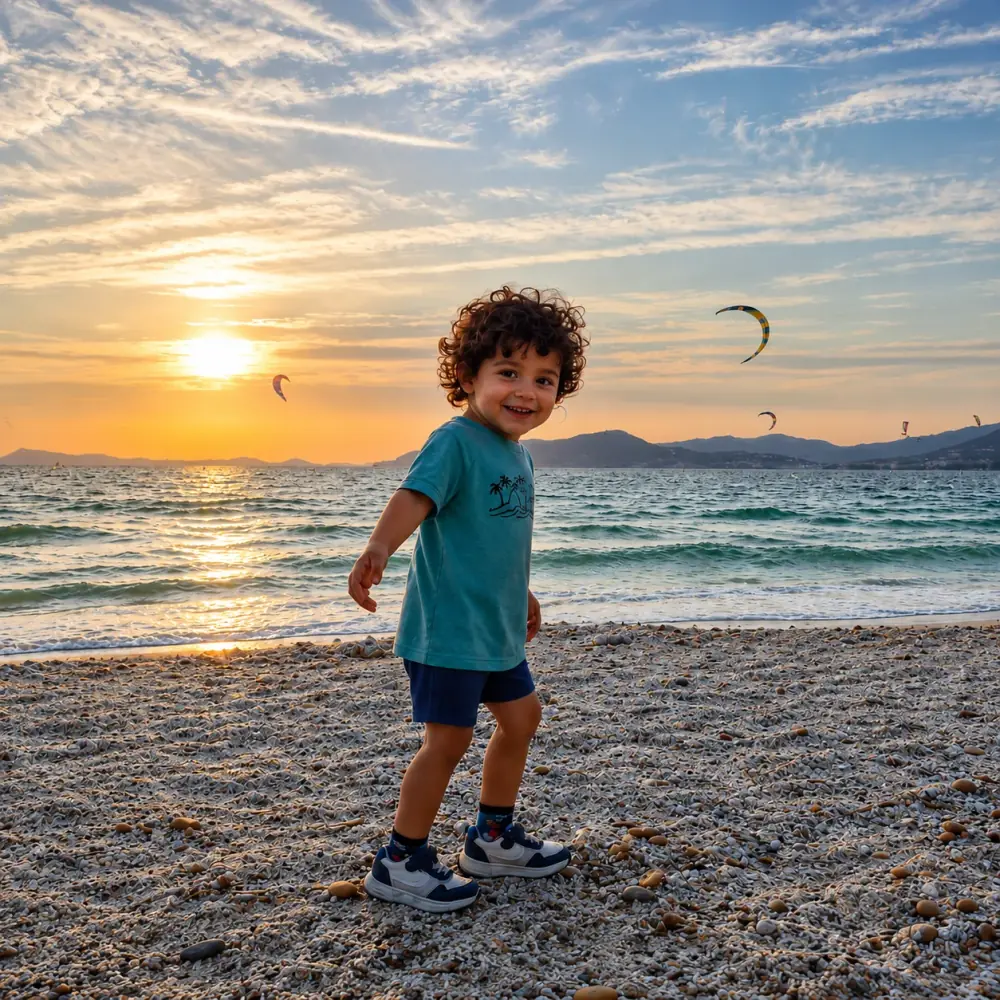
A landscape, a pet, a landmark: sharp photos with clear shapes make the nicest templates.
Free tool
Drop a photo, pick a level and get a paint by numbers template in seconds: outlined, numbered zones, the palette that goes with them, and a PDF ready to print.
Your photo never leaves your device: everything is computed in your browser, nothing is uploaded or stored on our servers.
A landscape, a pet, a landmark: sharp photos with clear shapes make the nicest templates.
From 10 to 24 colors. Switch levels as often as you like, the template updates right away.
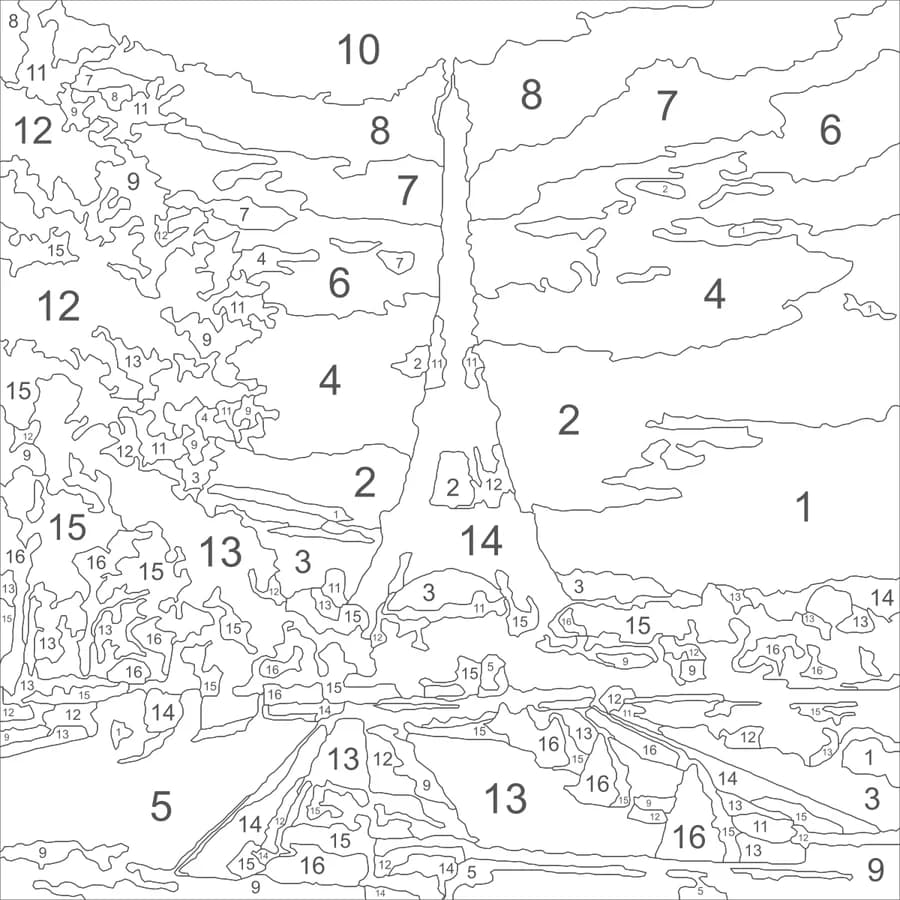
Download the PDF: the numbered canvas with its palette, then the color preview to guide you.
This tool keeps the photo's realism: it's a paint by numbers for adults. A child needs a simpler picture first, which is what our kids' version does.
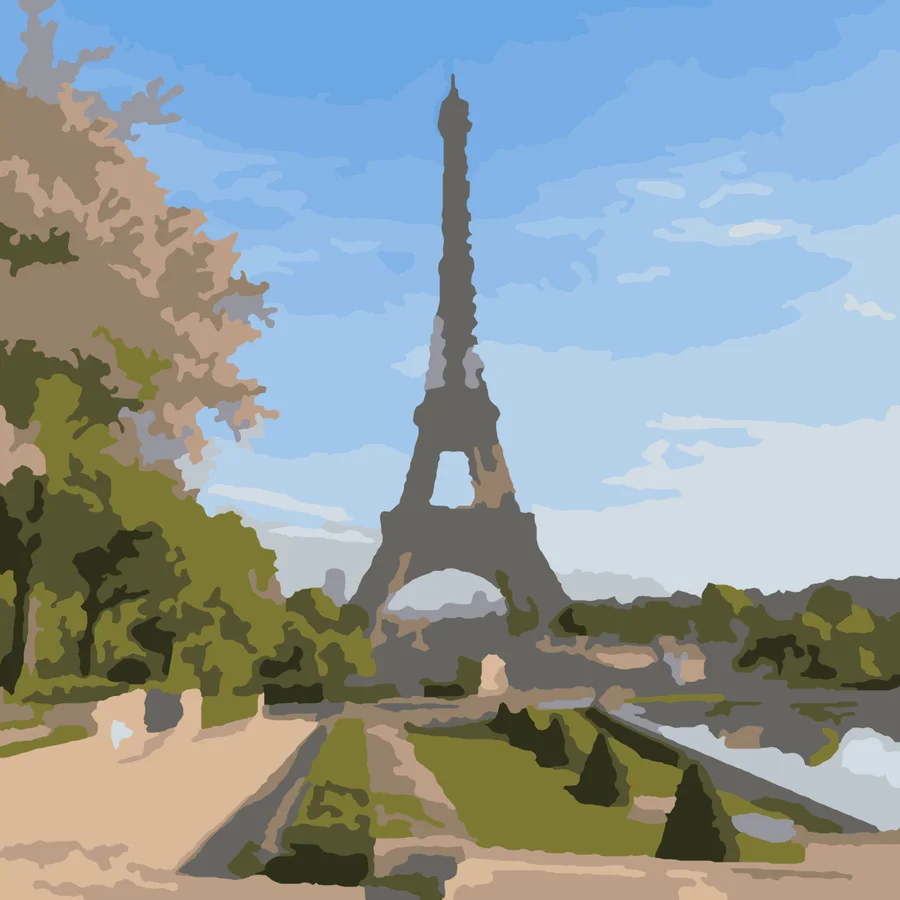
The photo is split as it is into color zones. Plenty of detail, faithful shades, hours of painting.

We first redraw the photo as a simple flat-color illustration with bold outlines, then number it. Wide zones a 5-year-old can fill with markers.
For paint, print on heavy paper (200 gsm or more) or watercolor paper. For pencils or markers, regular paper is fine.
The PDF is high resolution: a print shop can print it in A3 or tabloid for more comfortable zones.
Page 2 shows the finished colors. Keep it next to you to check a shade before you paint it.
Yes, with no sign-up, no watermark and no limit. Generate and download as many templates as you like.
Nothing, because it never leaves your device. The zones and numbers are computed in your browser. No image is uploaded or stored on our servers.
A sharp, well-lit photo where the subject stands out from the background. Landscapes, pets, flowers and landmarks work very well. A backlit portrait, or a subject the same color as the background, loses its outlines.
Beginner (10 colors) suits a first try or a small canvas. Classic (16 colors) looks like a store-bought kit. Expert (24 colors) adds many small zones and takes patience.
From a raw photo, the zones are too small and too many for a young child. Our kids' version first redraws the photo as a simple illustration, then numbers it: you can try it for free.
Two PDFs: US Letter for the United States and Canada, and A4 for Europe and most other countries. Each PDF holds the numbered canvas with its palette, then the color preview.
See also our free printable coloring pagesAll our free coloring resources
Send a photo and get a free preview of the kids' version, illustrated and then numbered.
Get my free preview