
How is a personalized coloring book made?
By Julien CornilleCo-founder and publication director, Memory Pencil
From your photos to a printed book: explore image transformation, checks, layout, printing, binding, and delivery.
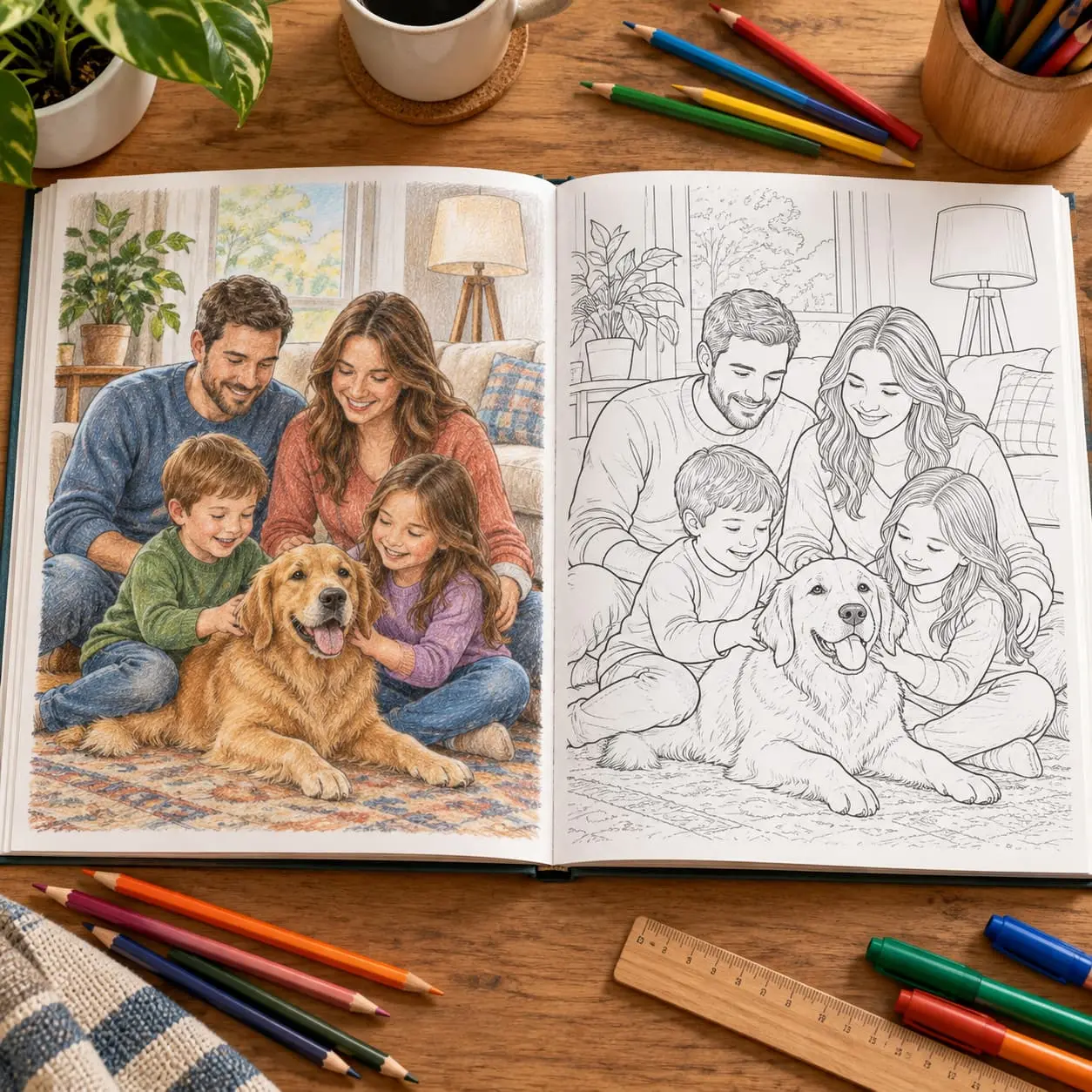
Between uploading photos and shipping the book, a personalized coloring book goes through several steps: image selection, graphic transformation, page checks, layout, printing, binding, and packing. Some are automated; others require human review. Here is the full journey of a Memory Pencil order.
Understanding these steps also helps you choose better photos and recognize when a correction is still possible. The result depends on the technology, the original pictures, and the checks made before printing.
At a glance
- Each photo becomes a color keepsake illustration and an outline coloring page.
- A sharp, bright photo framed close to the subject usually produces a clearer drawing.
- The transformation simplifies the image while preserving faces, poses, and distinctive details.
- Customers can preview the result and replace a limited number of photos before printing.
- Each book is then checked for problems with faces, lines, or layout.
- Books delivered to Canada are printed and bound in Canada on demand.
- The book ships within 3 to 5 business days of ordering, plus carrier transit.
- Order photos are automatically deleted seven days after delivery.
The production steps at a glance
| Step | What happens | What can still change |
|---|---|---|
| 1. Adding photos | The customer uploads pictures and chooses a format | Photo selection |
| 2. Transformation | Each image becomes a color page and an outline page | Replacements included with the format |
| 3. Review | Faces, outlines, and coloring areas are checked | Corrections before file approval |
| 4. Layout | Spreads, cover, and page order are assembled | Adjustments before printing |
| 5. Printing | The individual file is printed on demand | Content can no longer be changed |
| 6. Binding and finishing | The book receives its cover and binding | Checks for physical defects |
| 7. Shipping | The parcel is prepared and handed to the carrier | Delivery tracking only |
Want to see the first transformation? Try one photo for free and receive a preview before creating a complete book.
Step 1: choose and upload photos

Production starts before any graphic processing. A sharp, well-framed image provides more useful information than a dark or heavily compressed picture. The system can simplify a background, but it cannot faithfully recreate a face whose features are not visible.
Images that work best
- one or two main subjects;
- faces that are close enough and unobstructed;
- even lighting;
- poses that are easy to distinguish;
- a relatively simple background;
- enough resolution without excessive compression.
Images that need more simplification
- distant group shots;
- crowd scenes;
- backlit photos;
- partly hidden people;
- backgrounds full of small objects;
- screenshots or pictures repeatedly forwarded through messaging apps.
An imperfect photo can still work. The key is whether the main subject is clear. For a coherent book, alternate portraits, everyday scenes, places, and events instead of choosing only the most recent pictures.
Step 2: turn the photo into two illustrations
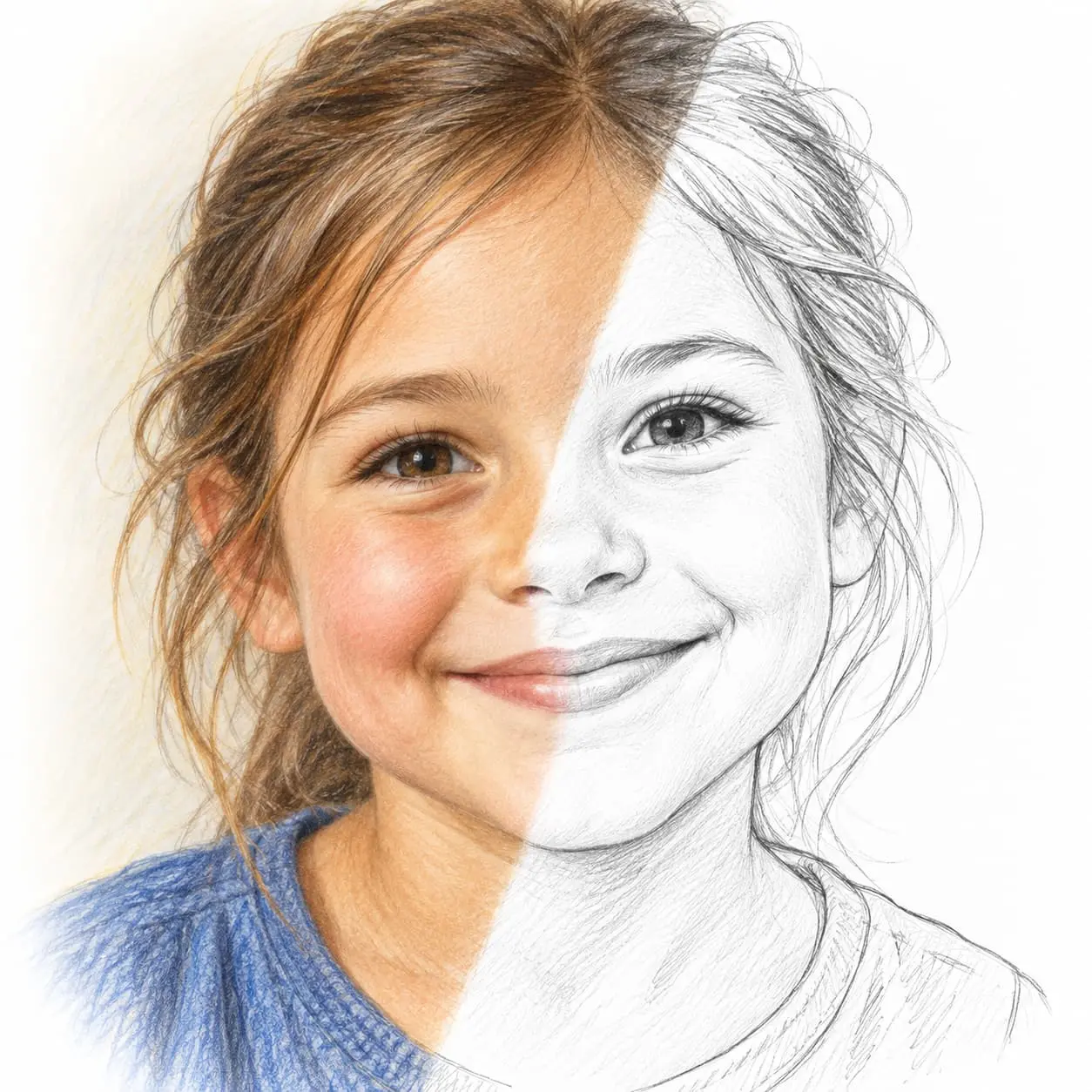
Each photo is converted into two complementary versions. The first is a color illustration that preserves the memory and can guide the coloring. The second shows the same scene in black outlines, with areas ready to color.
Identify the important details
The process must separate the main subjects from the background. For portraits, it focuses on face shape, hairstyle, expression, glasses, or a beard. In everyday scenes, posture and the interaction between people matter as much as facial features.
Simplify without losing the scene
A photograph contains too many shadows, textures, and details to become a coloring page directly. Some information must be removed, useful outlines closed, and tiny areas enlarged. Too much simplification loses resemblance; too little produces a cluttered drawing.
Generate the color and outline versions
Both pages should stay consistent: the same framing, people, and main elements. The color version is not simply the original photo printed on paper. It is redrawn in the same visual style as the coloring page.
Step 3: review the result before printing
Automated generation speeds up the transformation, but defects can still occur: poorly separated fingers, broken glasses frames, uneven eyes, a line crossing a face, or tiny areas that cannot be colored comfortably.
Checks focus on the following:
| Area checked | Problem to look for | Expected correction |
|---|---|---|
| Faces | Distortion or loss of resemblance | Restore distinctive features |
| Hands and arms | Merged or incomplete limbs | Clarify outlines |
| Hair and clothing | Too many lines | Simplify textures |
| Background | Overly dense scenery | Remove secondary details |
| Coloring areas | Tiny or open spaces | Close or enlarge shapes |
| Page consistency | Differences between color and outline versions | Align framing and elements |
Memory Pencil also lets customers replace some photos through their tracking page: 2 replacements for 6 photos, 4 for 12, and 8 for 24. This helps when an image turns out to be less suitable than expected or a chosen memory does not produce a satisfying drawing.
Step 4: create the layout
Once selected, the illustrations are assembled in book order. Each photo takes up a two-page spread: the color illustration and its matching outline version. The cover, title, and printing information are added to the final file.
Book dimensions
Printed books measure 8.5 in per side. The square format accommodates both portraits and horizontal scenes, although very wide panoramas may need more cropping.
Number of pages
| Selected photos | Color pages | Outline pages | Total |
|---|---|---|---|
| 6 | 6 | 6 | 12 pages |
| 12 | 12 | 12 | 24 pages |
| 24 | 24 | 24 | 48 pages |
Image order shapes the reading experience. An opening portrait introduces the recipient; everyday scenes add variety; a family picture or symbolic memory provides a natural ending.
Step 5: prepare the print file
Before reaching the printer, the file must match the product template. Pages are placed in the correct order, dimensions are checked, and illustrations must retain enough resolution for printing.
This is the practical cutoff for changes. Once the file has been sent and production has started, replacing a photo would mean interrupting or restarting the order. Review the previews beforehand.
Step 6: print and bind the book
Books delivered to Canada are printed and bound in Canada by a Memory Pencil partner. Production is on demand: the book is not held in stock before you order it.
Interior paper
Pages are printed on matte 60 lb paper. A non-glossy surface suits pencils better than glossy photo paper. Water-based markers can be used, but a protective sheet helps prevent heavy ink from marking the following page.
Cover and binding
| Format | Cover | Binding |
|---|---|---|
| 6 photos and 12 pages | Softcover | Saddle stitched |
| 12 photos and 24 pages | Hardcover | Case bound |
| 24 photos and 48 pages | Hardcover | Case bound |
The small format stays lightweight and accessible. Hard covers on the 12- and 24-photo formats provide a gift-friendly finish and protect the pages during storage.
Step 7: check, pack, and ship
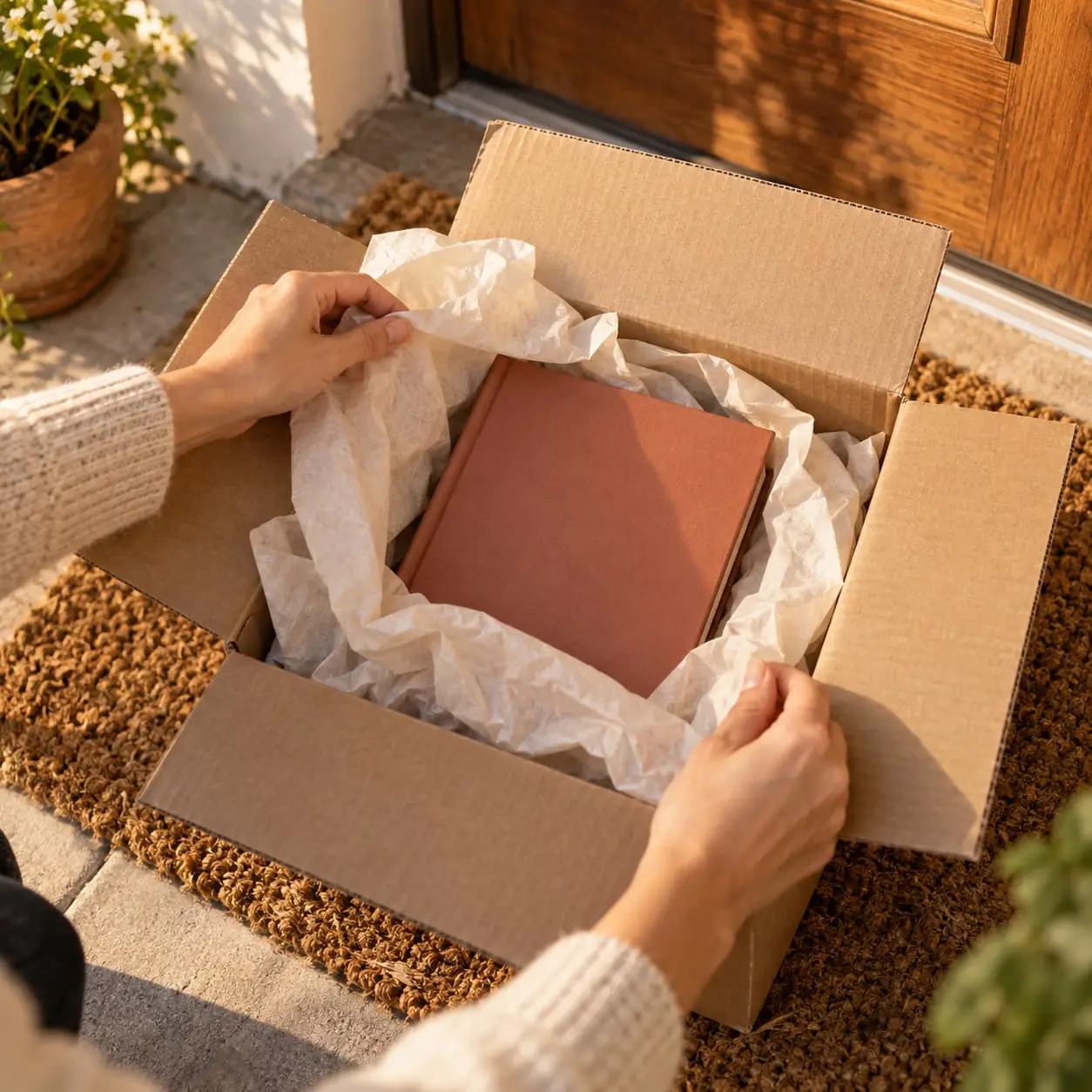
After production, the book is prepared for shipping. Memory Pencil ships it within 3 to 5 business days of ordering, including preparation and production, plus carrier transit. Check the estimate shown for your destination.
For a fixed date such as Christmas or a birthday, remember weekends, public holidays, and possible shipping delays. Leave a margin rather than counting only the minimum number of business days.
What happens to the photos after ordering?
Photos are used to generate illustrations, check the book, print it, and process delivery. Memory Pencil's privacy policy says they are stored in the European Union during processing, are not used commercially or to train third-party models, and are automatically deleted seven days after delivery. You can request earlier deletion through customer service.
For the free trial, the original photo is deleted after the preview is generated, while the preview and its link are deleted after seven days. Read Memory Pencil's privacy policy.
Where does artificial intelligence come in?
AI helps interpret the scene and generate the two illustrations. It does not choose which memories matter to the customer, and its output is not treated as ready to print without review.
| Task | Automation | Human involvement |
|---|---|---|
| Uploading and initial generation | Yes | The customer chooses the images |
| Graphic transformation | Yes | Rendering rules guide the result |
| Choosing memories | No | The customer builds the story |
| Spotting visible defects | Assistance possible | Review before printing |
| Replacing an image | Automated interface | Customer decision |
| Printing and binding | Industrial process | Product checks and preparation |
This combination explains why an image can be generated quickly while still needing an additional step before the book is produced.
How long does each stage take?
The exact timing varies with the order and production workload. It is more useful to distinguish three stages than to promise a precise duration for every operation.
| Stage | Useful guide |
|---|---|
| Free preview | Generated and sent without physical production |
| Preparation, printing, and handoff to the carrier | Included in the estimated 3 to 5 business days before shipping |
| Transport | Added on top of that time; varies by destination and carrier |
For a gift, watch the estimated delivery date, not just when image generation finishes.
What if the book has a defect?
A personalized book cannot be resold to another customer. It therefore cannot be returned for a change of mind. That does not remove guarantees for manufacturing defects. Memory Pencil replaces books with printing defects free of charge. Keep photos of the parcel and defect to help with your claim.
What to check before starting production
- Faces are sharp and close enough.
- Main subjects are not cut off.
- Pictures do not repeat unnecessarily.
- The order tells a clear story.
- The title and cover details are correct.
- Previews match your expectations.
- Any necessary replacements have been made.
- The selected format contains the right number of photos.
- The timing leaves a margin before the gift date.
Summary
Making a personalized coloring book combines image generation, human review, and on-demand printing. Quality starts with photo selection: nearby subjects, clear lighting, and simple scenes make transformation easier. After generation, previews and replacements let you remove a less convincing page before the file goes to print.
Coloring book production FAQ
Is a photo simply converted to black and white?
No. The scene is redrawn and simplified to create outlines and areas to color. A second color illustration is also produced as a keepsake or guide.
Who checks the pages before printing?
Memory Pencil checks each book before printing, looking for distorted faces, inconsistent lines, and areas that are difficult to color.
Can I change a photo after generation?
Yes, before printing and within the replacements included with your format: 2 for 6 photos, 4 for 12, and 8 for 24. Once printing has started, content can no longer be changed easily.
Where are the books printed?
Orders delivered to Canada are printed and bound in Canada. For delivery elsewhere, production may be routed closer to the destination.
What paper is used?
Interior pages use matte 60 lb paper suitable for pencils and water-based markers. The cover type depends on the number of photos.
How long does delivery take?
The book ships within 3 to 5 business days of ordering, including preparation and production, then carrier transit comes on top. Check the estimate for your destination.
Are photos kept?
They are kept while processing the order, then automatically deleted seven days after delivery. Memory Pencil does not use them for advertising or training third-party models.
Is the book mass-produced?
No. Each file contains one customer's photos and is printed on demand. The book is not in stock before the order.
Read next
How AI transforms a photo into a coloring page
The complete guide to choosing photos for your book
Personalized coloring book prices and formats
Our personalized books made from your photos
Three ways to turn your family photos into an activity book, from free coloring to guided play.
- Personalized coloring bookEach photo becomes a color keepsake page and the same scene to color freely.
- Personalized color by numberYour photos as numbered zones with a color legend: guided coloring, true to the memory.
- Personalized dot to dotThe drawing of your photo appears as you connect the numbers, then gets colored in.
Ready to turn your photos into a coloring book?
Designed in France, checked page by page before printing.
See the formats and create my bookGift ideas related to this article

Read next
Practical guide
Everfold, My Colorful World, Us in Colors and Memory Pencil: one page per photo, or two?
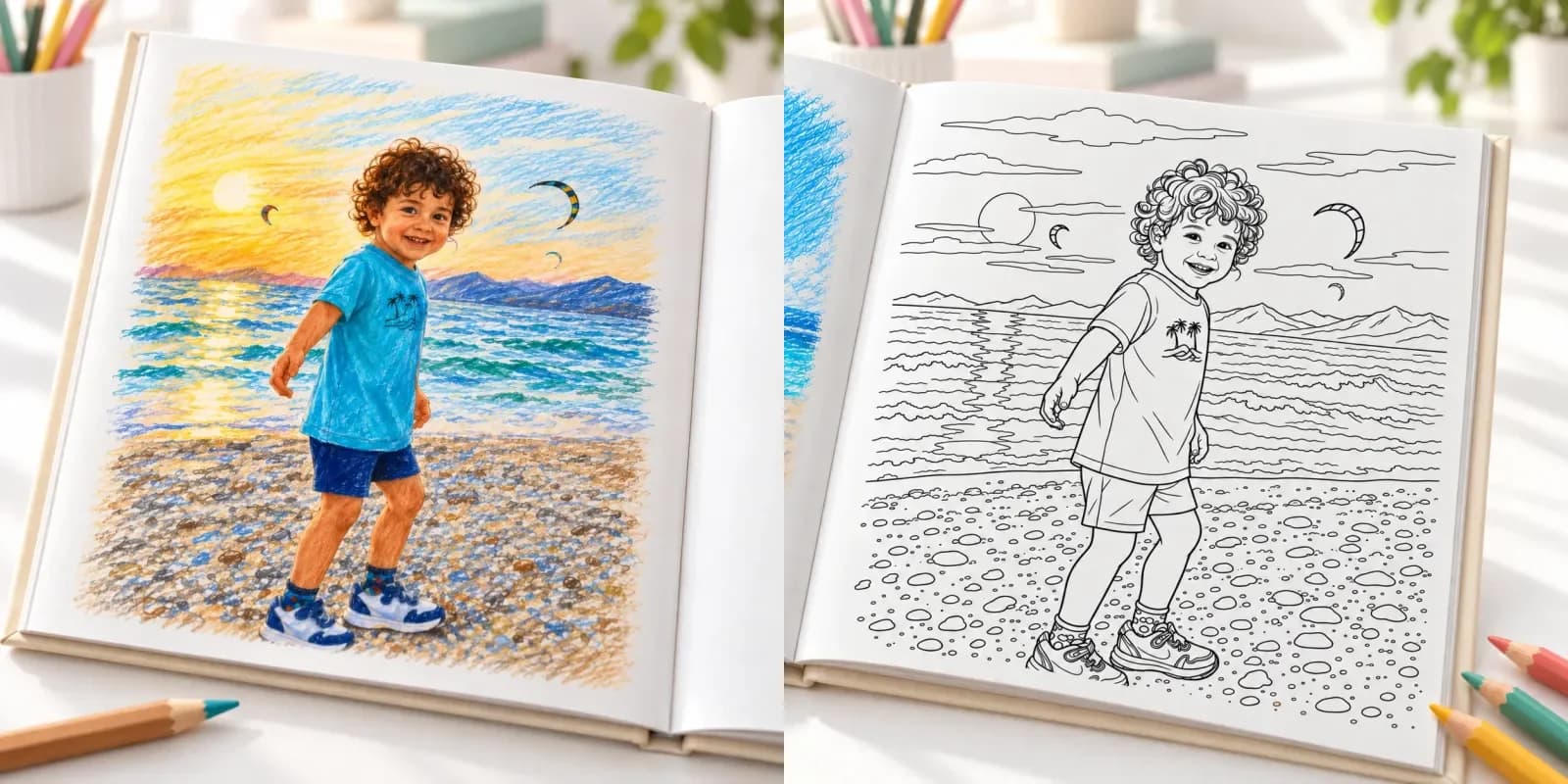
Everfold, My Colorful World and Us in Colors turn each photo into one black-and-white line-art page. Memory Pencil, which wrote this comparison, makes two: a color reference page of the memory, then the same scene to color.

Practical guide
How to choose a dot-to-dot book your child will actually finish
Between a child just discovering numbers and one who can follow a long sequence, the right book is not the same. Real difficulty, readability, number of dots, themes: the guide to choosing well.
Practical guide
Personalized coloring book: turning your family memories into a creative activity
A beautiful personalized coloring book takes more than gathering your favorite photos. Sharp faces, readable scenes, a coherent story: the full guide to choosing and organising your photos.